Please follow the below given step for creating the Oracle service bus project using SBConsole.
1-First click on create to have your own session and your session will not be disturbed by other user.
Right click on the project and create a pipeline
Now open the project on console
right click on project –>Open
click on the Open Message Flow as shown in the below figure
Left click on the pipeline
create a pipeline pair you will get the following screen
Now as we are doing just simple hello world example we will just modified the respose pipeline as shown below Left click and add stage and then edit stage
click on expression
Click save.
click Save all
Thats it now click on the activate button and test the services.
Now after activate you will be able to see he excute/run button click on it and test the newly created SOAP services.
While installing SOA Quickstart to have Oracle Service bus keep below two jar in same folder and execute java -jar fmw_12.2.1.4.0_soa_quickstart.jar using administrator cmd prompt.
You can download these packages from https://www.oracle.com/middleware/technologies/soasuite/downloads.html# I am using Oracle SOA Suite 12.2.1.4.0 QuickStart SOA installation is quite streamlined and made simple with single installer that includes JDeveloper, JDev SOA Extension, RCU, Standalone WLS and Service Bus (formerly Oracle Service Bus).
To have full use of reactive behaviour using spring Webflux we should think of complete pipeline as reactive not just our controller part. In application, we have UI, and then we have Middle ware i.e. controller, Service Layer and DAO and finally to DB. WE want all this unit to be reactive. Struggle comes in for DB. We have generally two type of DB SQL and NOSQL. Currently, for NOSQL database we have reactive driver i.e. Cassandra, MongoDb. Bur we are shortage of same for SQL database i.e.
Oracle:- AoJ: ADBA over JDBC:- ADBA is Asynchronous Database Access, a non-blocking database access api that Oracle is proposing as a Java standard. https://github.com/oracle/oracle-db-examples/tree/master/java/AoJ
MongoDB:- MYSQL:- https://github.com/jasync-sql/jasync-sql jasync-sql is a Simple, Netty based, asynchronous, performant and reliable database drivers for PostgreSQL and MySQL written in Kotlin H or MSSQL Database:- R2DBC – Reactive Relational Database Connectivity https://github.com/r2dbc
For our example we are going to learn MongoDB NOSQL.
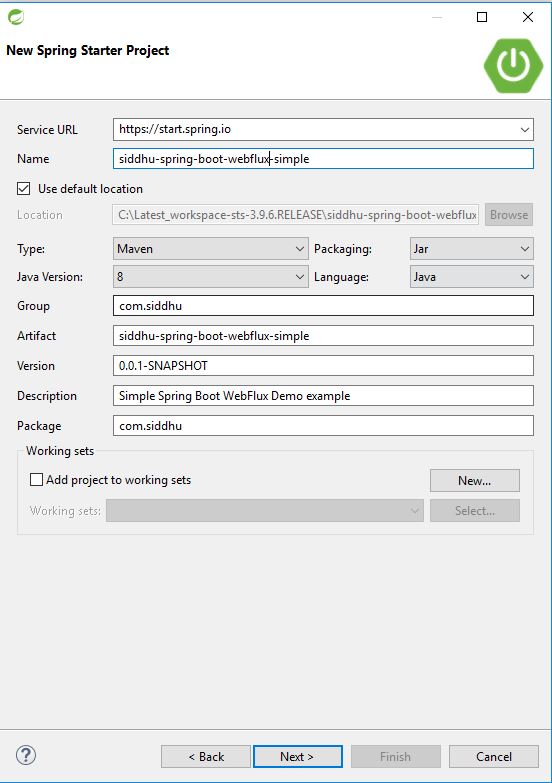
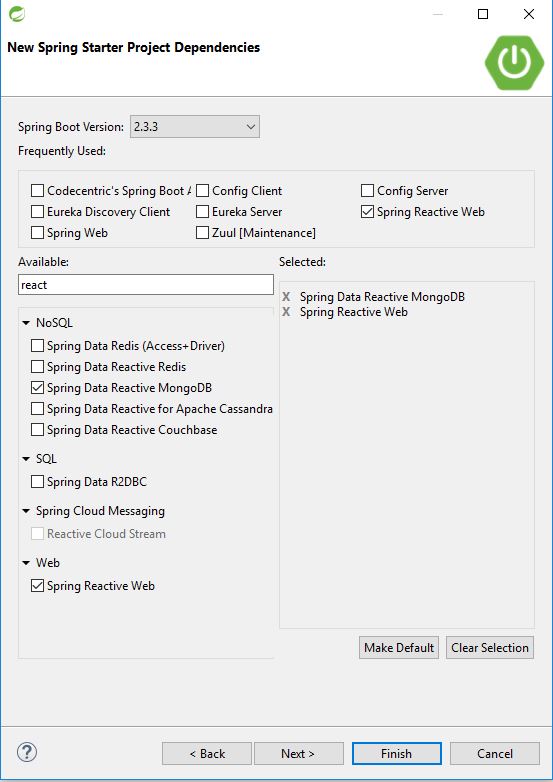
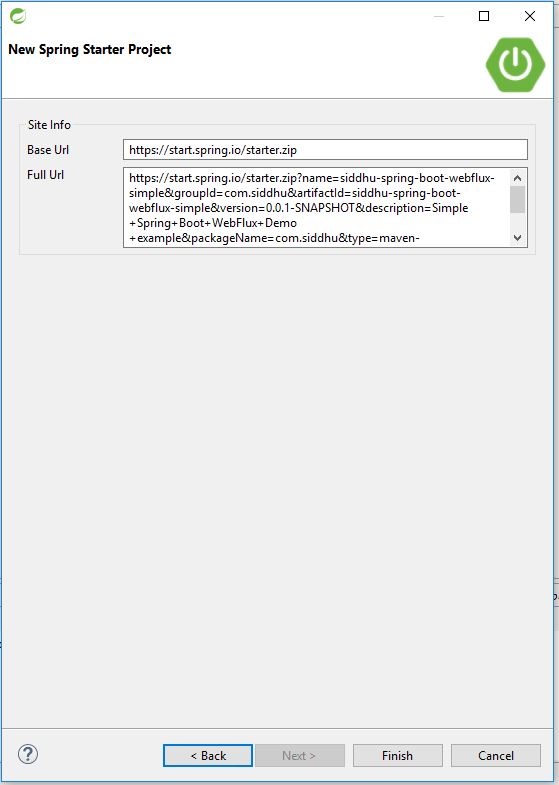
Lets first create the spring webflux project as shown below
Now lets try to create folder that define our framework structure for Spring Web Flux Config:- Here we will have three file for configuration 1- AppConfig 2- MongoConfig 3- WebFluxconfig Controller:- This contain our Controller class with logic. DAO:- This will contain interface that map with the findby method of MongoDB. Model:- This will contain our model class that has getter and setter along with @ID for mapping in Mongo DB field for particular document. Service:- This containt interface and its implementation method to act on Mongo DB.
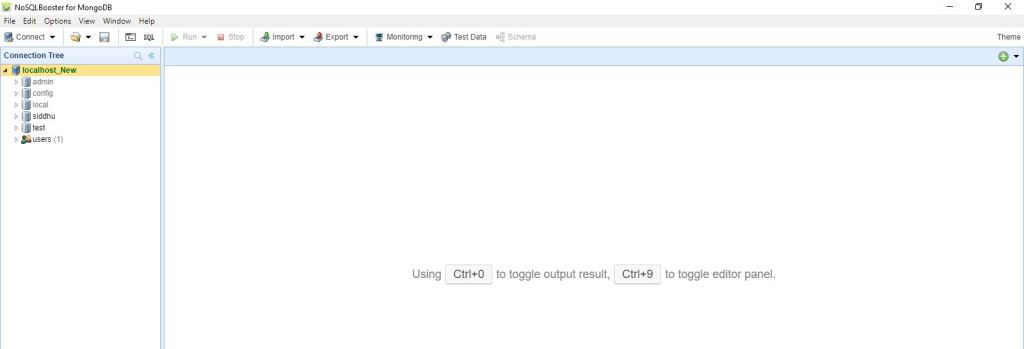
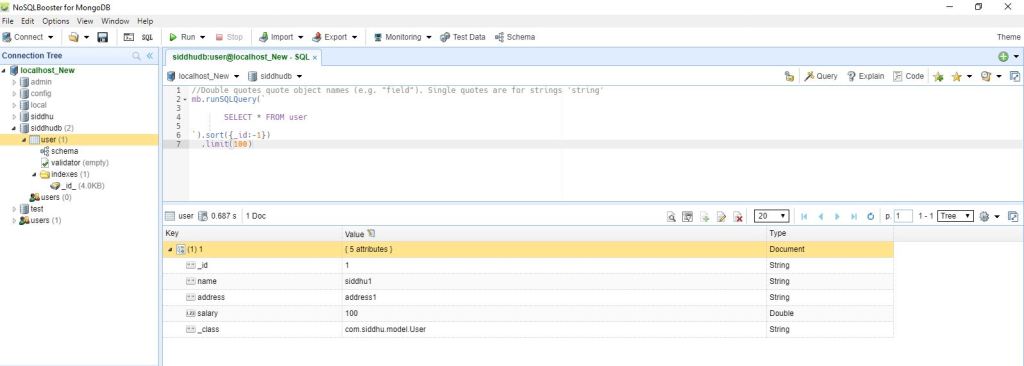
I am using Local MongoDB you can also use the MongoDb cloud.
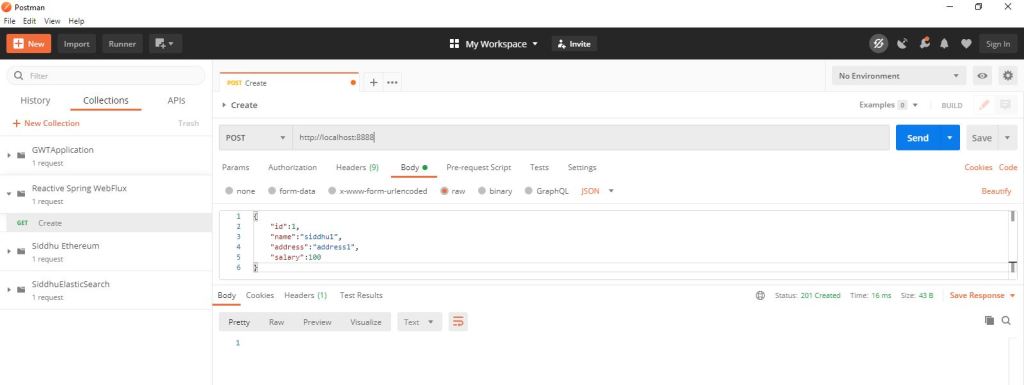
Hit below url and see the result on the screen. Create/insert POST- http://localhost:8888 { "id":1, "name":"siddhu1", "address":"address1", "salary":100 }
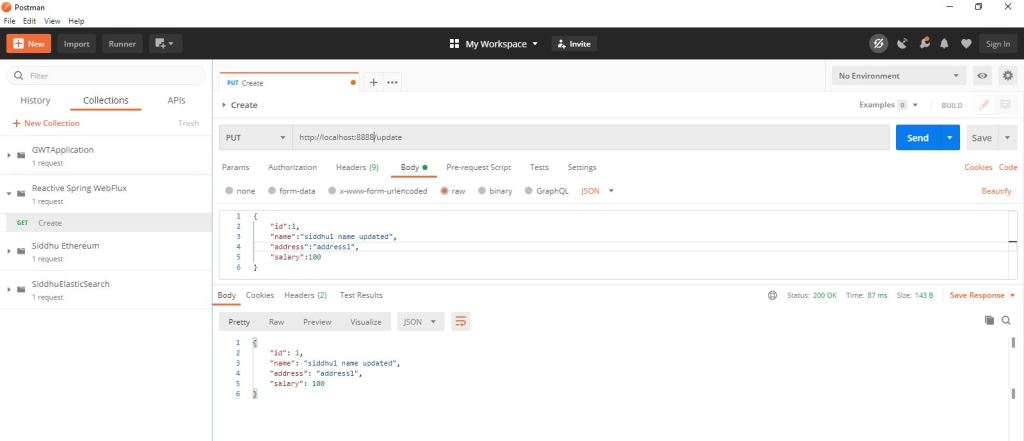
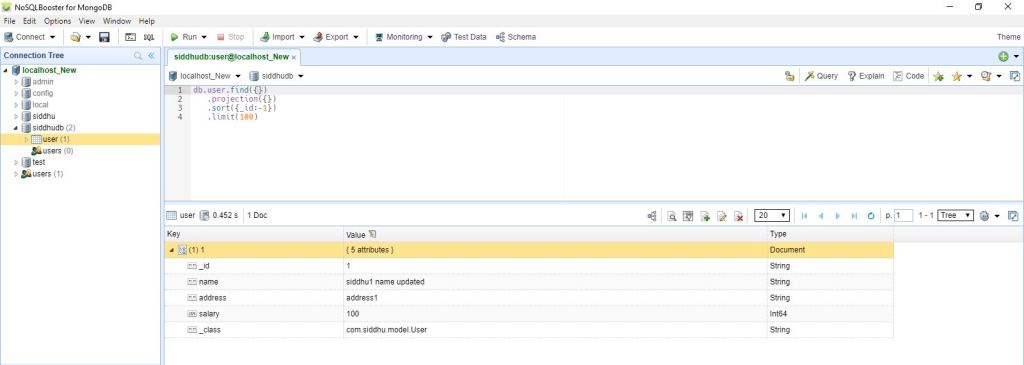
Update-PUT http://localhost:8888/update { "id":1, "name":"siddhu1 name updated", "address":"address1", "salary":100 }
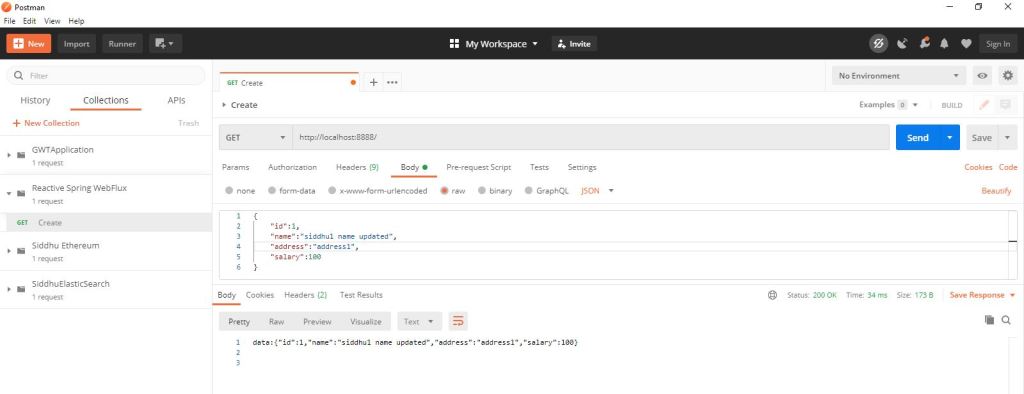
Select- HTTP GET http://localhost:8888/
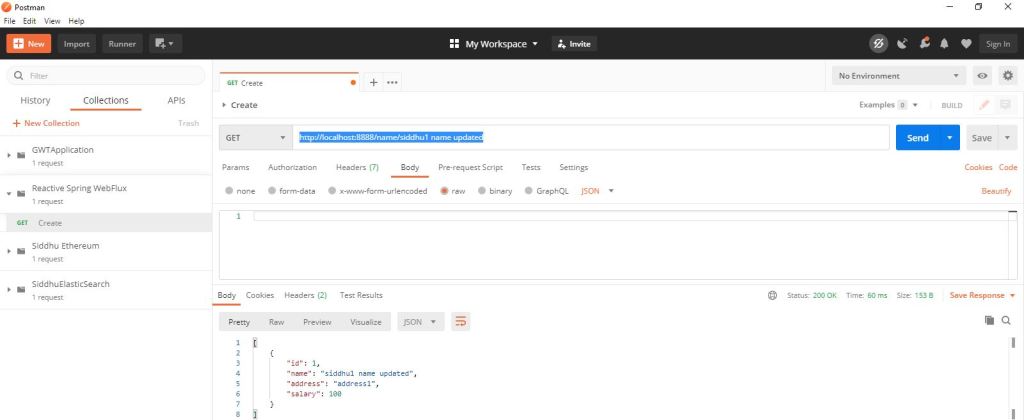
FindbyName GET-http://localhost:8888/name/siddhu1 name updated
Note: If you are getting below error
org.springframework.core.convert.ConverterNotFoundException: No converter found capable of converting from type org.bson.types.ObjectId to type java.lang.Long Make sure to convert your ID from Log to BigInteger also create getter setter method for the same.